iOS 17 Beta Wallpaper Completely Broken Bug – How to Fix?
Here’s a guide to fix iOS 17 Beta wallpaper completely broken bug by restarting the iPhone 14 Pro or updating to the stable version of iOS.

Here’s a guide to fix iOS 17 Beta wallpaper completely broken bug by restarting the iPhone 14 Pro or updating to the stable version of iOS.
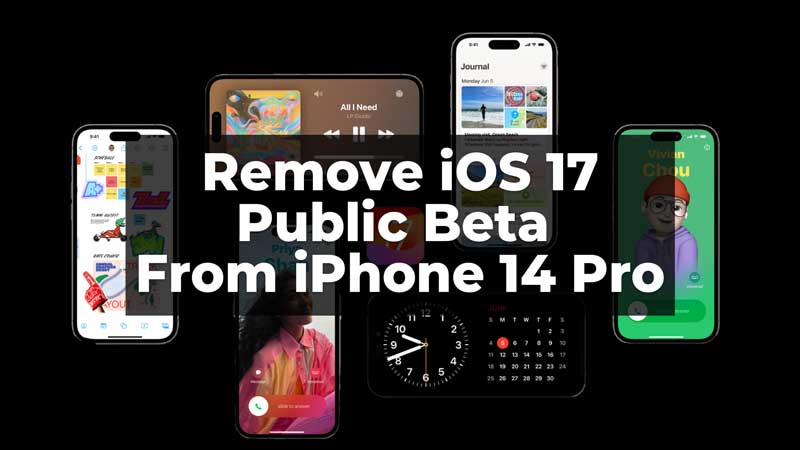
Easily remove iOS 17 Public Beta on iPhone 14 using two simple ways mentioned in this guide.
Here’s a step-by-step guide to remove or uninstall iOS 17 beta from your iPhone by following the “Update” operation.
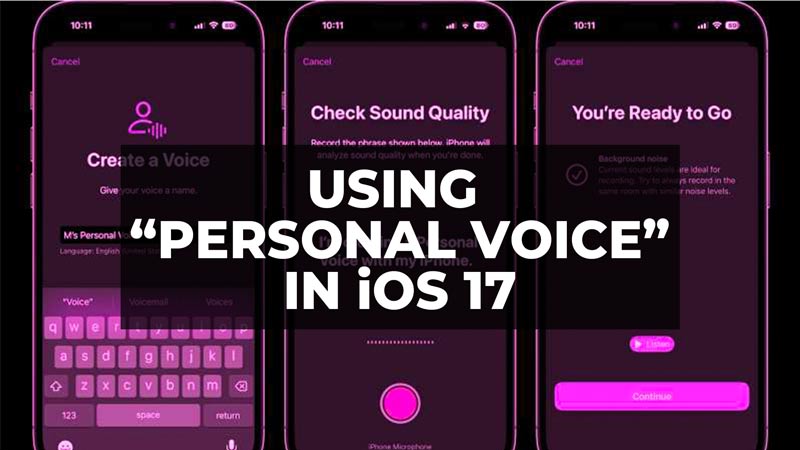
Here’s a guide to use Personal Voice on your iPhone by recording or creating your voice with iOS 17 update.
Here’s the direct links to download iOS 17 Beta 1 IPSW files and install it using iTunes on your computer with all the steps.
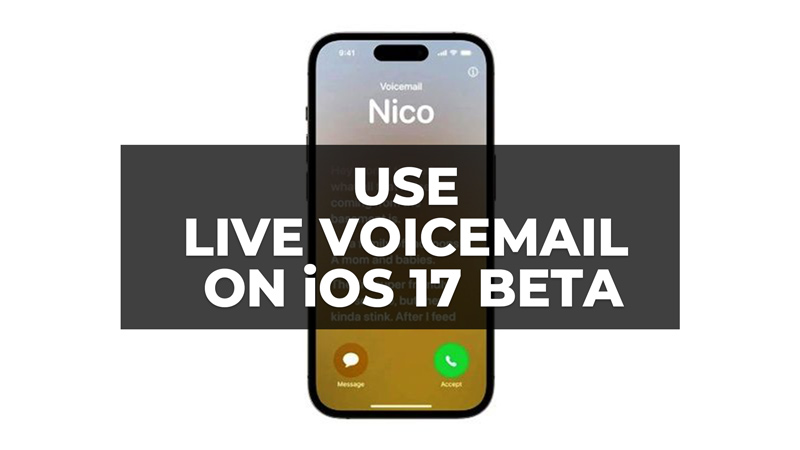
Here’s a guide on using Live Voicemail on your iPhone with iOS 17 Beta update and see the live transcription on the call screen.
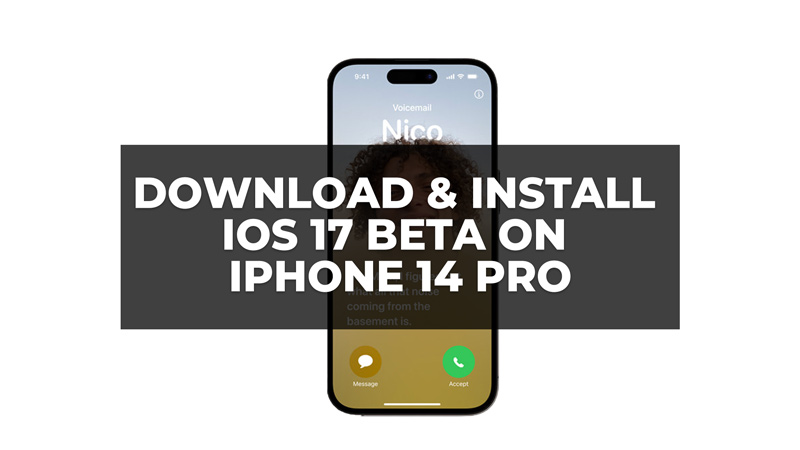
You can enroll and install iOS 17 developer or public Beta program on your iPhone 14 Pro to get the latest features with the help of this guide.